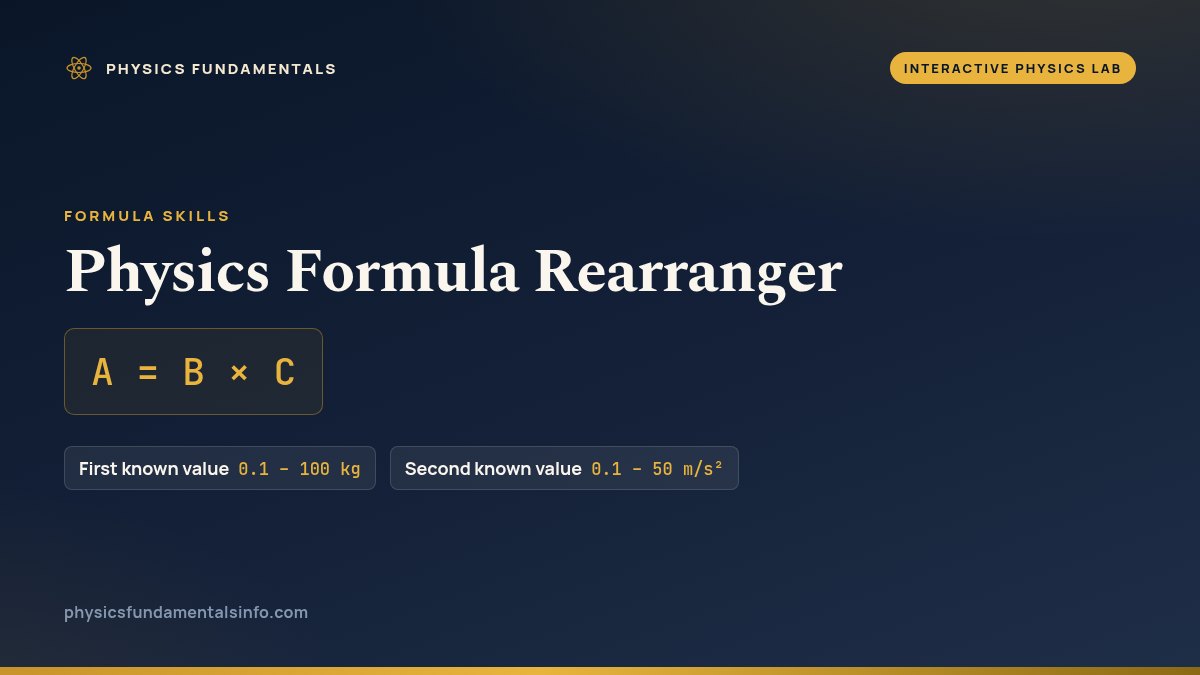
A formula triangle turns rearranging into reading. This tool holds five of the relationships that fit the shape A = B × C — pick one, tap the variable you want, and the triangle covers it while the equation and the unit check rewrite themselves. Move the two sliders and the answer follows.
Physics Formula Rearranger
Pick a relationship, choose which variable to solve for, and set the two knowns. The triangle covers the one you want, the equation rearranges itself, and the unit check shows the units combining into the answer.
What Is the Physics Formula Rearranger?
The physics formula rearranger is a free interactive physics lab that runs in your browser — nothing to install and no sign-up. Free interactive physics formula rearranger. Pick a relationship, choose the unknown, move the sliders, and watch the rearranged equation and unit check. It reports rearranged equation and answer as you drag the sliders.
| Control | Range | Step |
|---|---|---|
| First known value | 0.1 – 100 kg | 0.1 |
| Second known value | 0.1 – 50 m/s² | 0.1 |
Working the Rearranger
Start with the top row of buttons: they switch the whole triangle between five relationships, from F = m × a to V = I × R. The second row picks the unknown — the variable you want the tool to find. Whatever you choose gets shaded in the triangle, and the two remaining cells turn into the sliders on the right. Nothing is hidden in a menu; every state you can reach is a button you can see.
The shaded cell is the whole trick. When the covered cell is the one on top, the two cells beneath it are side by side, so you multiply them. When the covered cell is on the bottom, the top cell sits above it like the numerator of a fraction, so you divide. That is why solving for a denominator variable, such as finding the acceleration in Newton's second law, flips the maths from a product to a quotient the moment you tap it.
Keep an eye on the unit-check line while you drag. It shows the units of your two knowns collapsing into the unit of the answer — volts divided by amps giving ohms in Ohm's law, or kilograms times metres-per-second-squared giving newtons. If that line does not end in the unit you expected, the rearrangement is wrong before the number ever misleads you, which makes the unit check the most useful habit the tool can teach.
The one thing to remember when you leave: triangles do not generalise. They only ever describe the three-symbol product A = B × C, which is exactly why this tool refuses to offer anything with a square or a sum in it. For the equations of motion and other multi-term relationships, reach for the SUVAT calculator, which rearranges algebraically, or open another model from the full simulation collection.
Frequently asked questions
Why does the formula triangle only work for three symbols?
Because a triangle has exactly three cells, and it only fits relationships of the form A = B times C. That single shape lets you cover any one letter and read off whether to multiply the other two or divide them. Relationships with squares, sums or more than three quantities cannot be laid out this way, which is why the tool offers only the five that genuinely fit.
How do I solve for a variable that sits in the denominator?
Choose it with the Solve for buttons and the triangle covers that bottom cell. Covering a bottom cell means you divide the top value by the other bottom value — for example m = F / a in F = m times a. The rearranged equation line spells the division out, and the answer updates as you move the two known sliders.
What does the unit check readout actually tell me?
It shows the units of your two knowns combining into the unit of the answer, such as kg × m/s² = N. If the units on the left do not collapse to the unit you expected on the right, the rearrangement is wrong. Checking units this way is the fastest way to catch a flipped multiply-or-divide before you trust a number.
Why is v² = u² + 2as not in this tool?
Because it is not an A = B times C relationship, so it cannot be drawn as a three-cell triangle. It contains squares and a sum of two terms, which a triangle cannot represent. For equations of motion like that one, use the SUVAT calculator, which rearranges them algebraically rather than with a triangle mnemonic.
References & formula source
- Halliday, Resnick & Walker — Fundamentals of Physics, appendices on units, dimensions and equation handling.
- Young & Freedman — University Physics with Modern Physics, §1 (Units, Physical Quantities and Vectors).
- I. S. Grant & W. R. Phillips — The Elements of Physics, notes on dimensional analysis and checking equations.
- Further reading: Physical quantity — Wikipedia